
Quarto Wizard 2.0.0 is here with a major architectural overhaul and new features for managing your Quarto extensions.
Quarto Wizard 2.0.0 is now available!
Upgrade today from the VS Code marketplace or Open VSX Registry.
From 1.0.0 to 2.0.0
Version 1.0.0 was not around for long. As I worked on improving Quarto Wizard and enabling features beyond what the Quarto CLI offers, what started as small enhancements quickly grew into a major internal refactoring. The result is a more self-contained extension.
No more Quarto CLI dependency.
The biggest change in 2.0.0: Quarto Wizard no longer requires the Quarto CLI for extension management. The extension now handles everything natively, including:
- Downloading and extracting extension archives directly.
- GitHub API integration for repository access.
- Proxy support via environment variables (
HTTP_PROXY,HTTPS_PROXY,NO_PROXY).
This means faster installations and fewer external dependencies.
What’s New
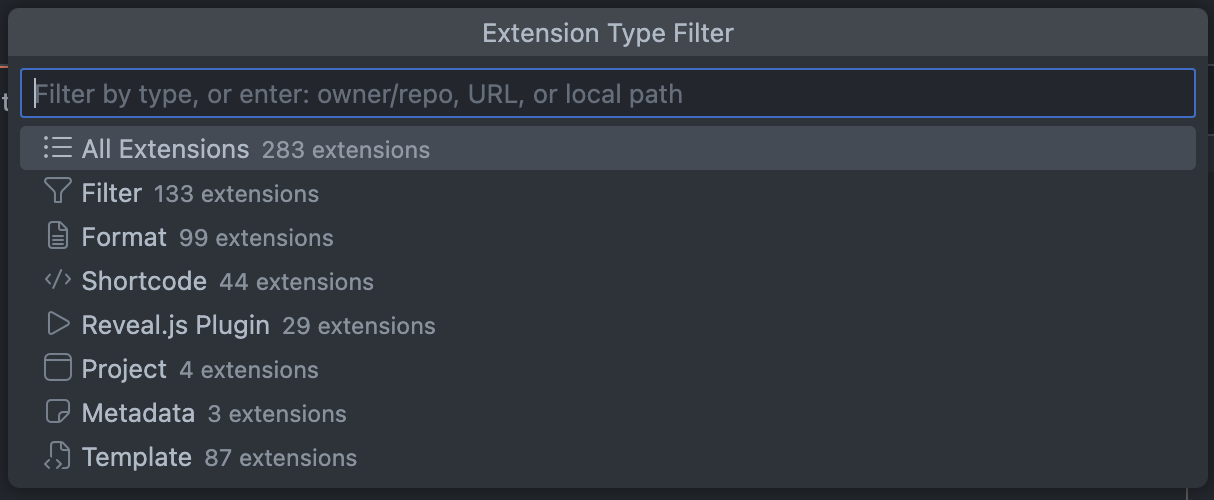
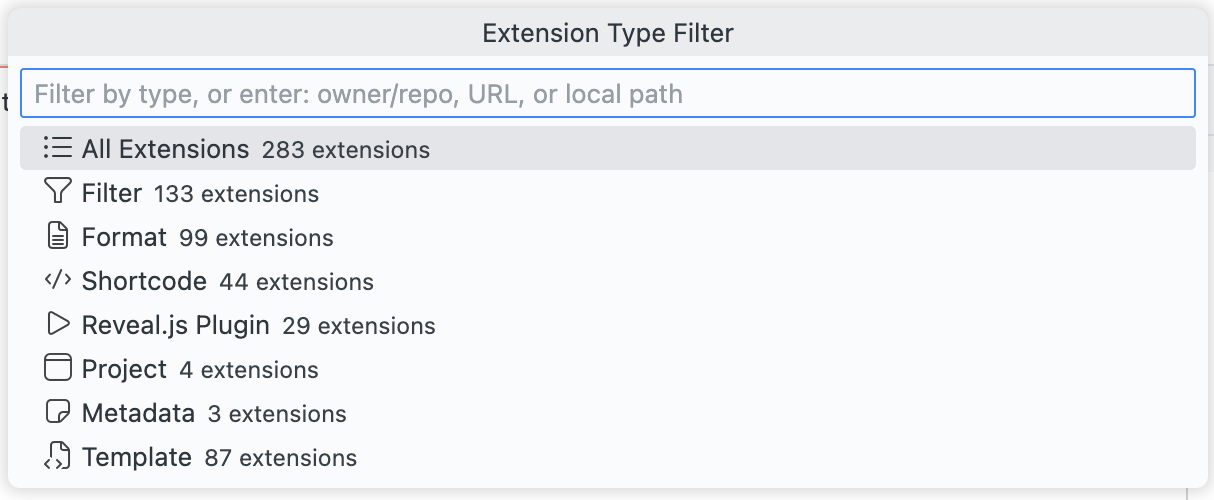
Extension Type Filtering
Quickly filter extensions by type when browsing the registry.
Multi-Extension Selection
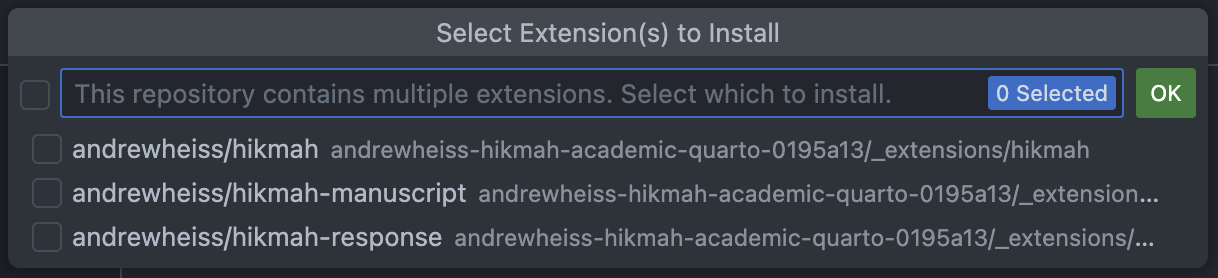
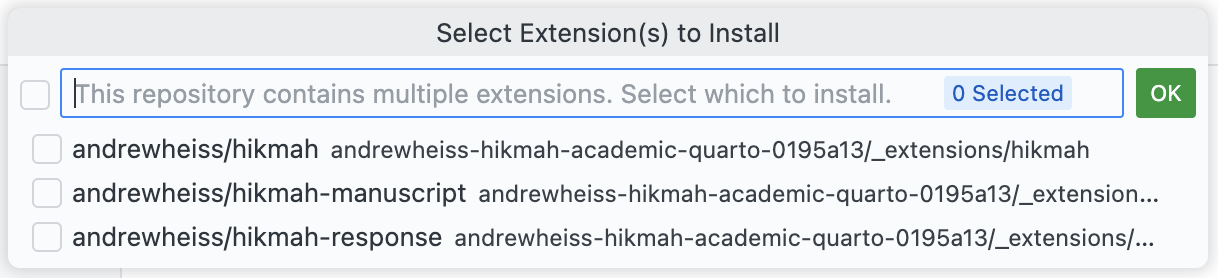
When installing from repositories containing multiple extensions, select exactly which ones you need.
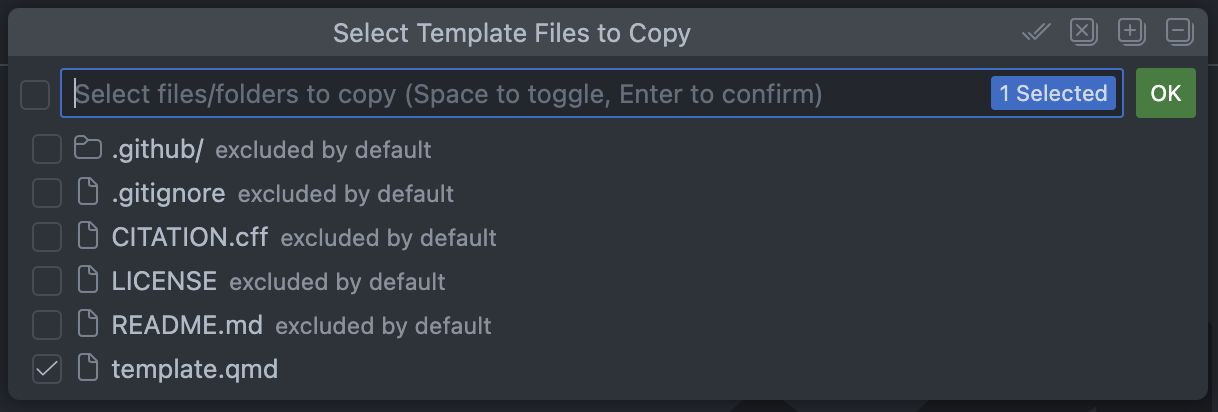
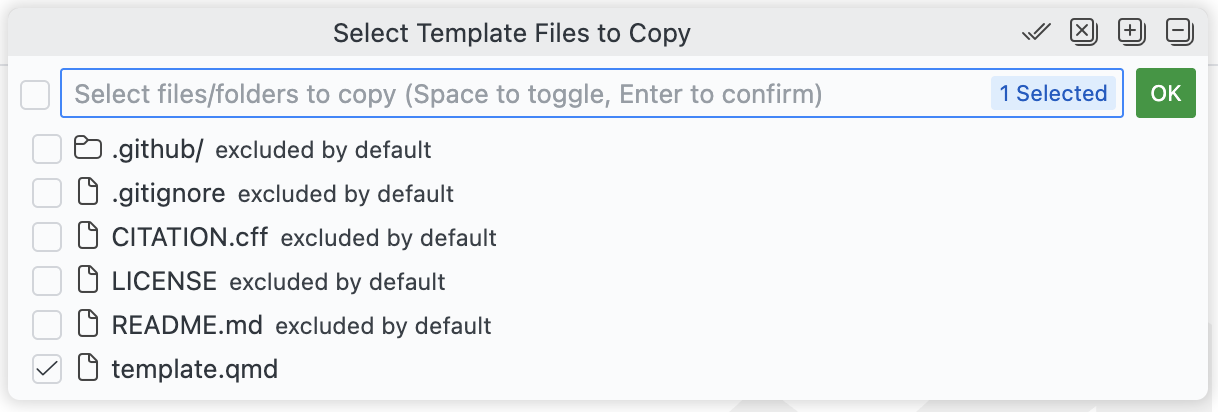
Template File Selection
Choose which files to copy when using templates, with support for target subdirectories.
Private Repositories
Access private GitHub repositories with improved authentication support.


Authentication priority: Manual token > VS Code GitHub session > Environment variables.
Quarto Version Validation
Get warned before installing extensions that require a newer Quarto version.
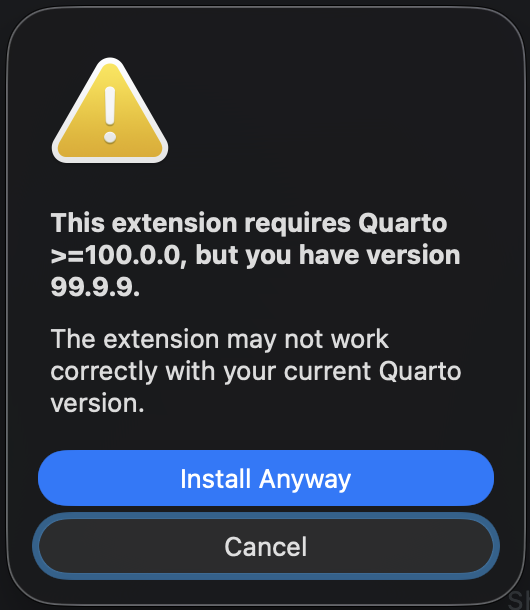
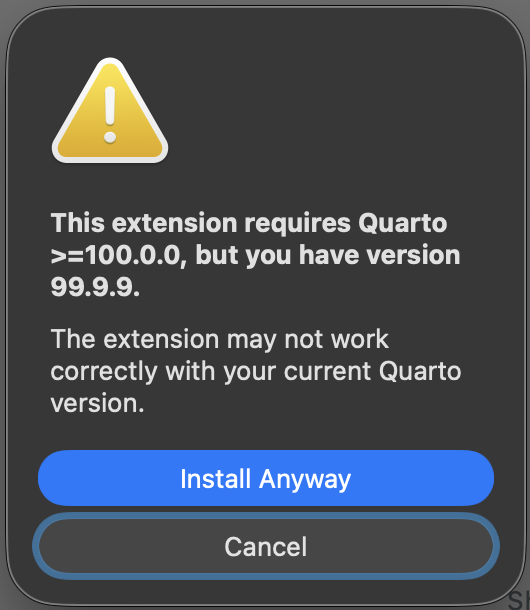
Requires to have Quarto VSCode/Positron extension and Quarto CLI installed for version detection.
Install from Specific References
Install extensions from specific commits, tags, or branches using the format owner/repo@reference.
New Commands
- Install Extension from Registry - Direct registry installation.
- Install Extension from URL - Install from archive URLs.
- Install Extension from Local - Install from local directories or archives.
- Update All Extensions - Batch update all outdated extensions.
- Remove Multiple Extensions - Batch removal of extensions.
- Clear Extension Cache - Force registry refresh.
- Set GitHub Token (Manual) - Configure authentication.
- Clear GitHub Token - Remove stored token.
New Configuration Options
quartoWizard.cache.ttlMinutes- Configure cache duration.quartoWizard.registry.url- Use a custom registry URL.
Documentation Website
A new documentation website is now available at m.canouil.dev/quarto-wizard, featuring:
- User guide with step-by-step instructions.
- Command and configuration reference.
- API documentation for developers.
Breaking Changes
- Removed
quartoWizard.quarto.pathsetting (no longer needed). - Quarto CLI is no longer required for extension operations.
Ready to upgrade? Install Quarto Wizard 2.0.0 from the VS Code Marketplace or Open VSX Registry.
What’s Next
This major refactoring introduced @quarto-wizard/core1, a platform-agnostic package for extension management.
Next on the roadmap: a new version of the Quarto Extensions Updater GitHub Action that will use this core package, bringing the same native installation capabilities to your CI/CD workflows.
Footnotes
Not published on any registry.↩︎
Reuse
Citation
@misc{canouil2026,
  author = {CANOUIL, Mickaël},
  title = {Quarto {Wizard} 2.0.0: {Native} {Extension} {Management} and
    {Batch} {Operations}},
  date = {2026-01-12},
  url = {https://mickael.canouil.fr/posts/2026-01-12-quarto-wizard-2-0-0/},
  langid = {en-GB}
}