A colleague asked how to embed great-docs-generated documentation inside a Shiny for Python app and serve both from a single process. I built a minimal demo to find out, and shared it a few weeks ago on
When a Shiny app and its package documentation live as two separate services, you get two URLs to keep in sync and two deployment environments to handle. This post shows how to put both at the same origin: the app at / and the API reference at /docs/, so you serve everything from a single process. The short answer: not that hard, but there is one non-obvious gotcha in how URLs are resolved.
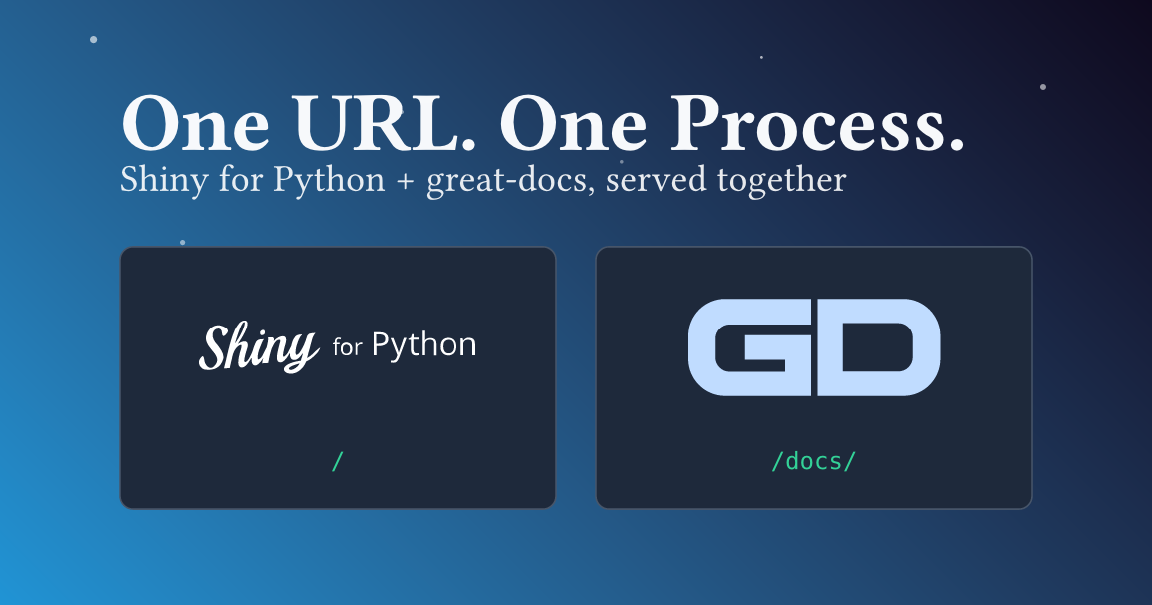
The companion repository is mcanouil/demo-shiny-great-docs.
1 The documentation: great-docs
great-docs is Posit’s API documentation tool for Python packages. You point it at a module, give it a small YAML config, and it generates a Quarto-based site from your docstrings. The result is close to what pkgdown gives you for R: a landing page, an API reference, and whatever extra pages you add.
The config for this project is short, see the full great-docs.yml in the repository.
great-docs.yml
- 1
-
Docstring format —
numpymeans NumPy-style sections (Parameters,Returns,Examples). Other options aregoogleandsphinx. - 2
- Author metadata appears in the generated site sidebar under Developers.
- 3
- Controls which names appear on the Reference page and in what order. The names not listed here are hidden from the public API.
Building the site copies the output into a docs/ folder the app will serve.
- 1
-
Runs
great-docs buildinside the project’suvvirtual environment. - 2
- Removes any stale output before copying fresh files.
- 3
-
great-docswrites togreat-docs/_siteby default; this renames it todocs.
2 The app: Shiny for Python
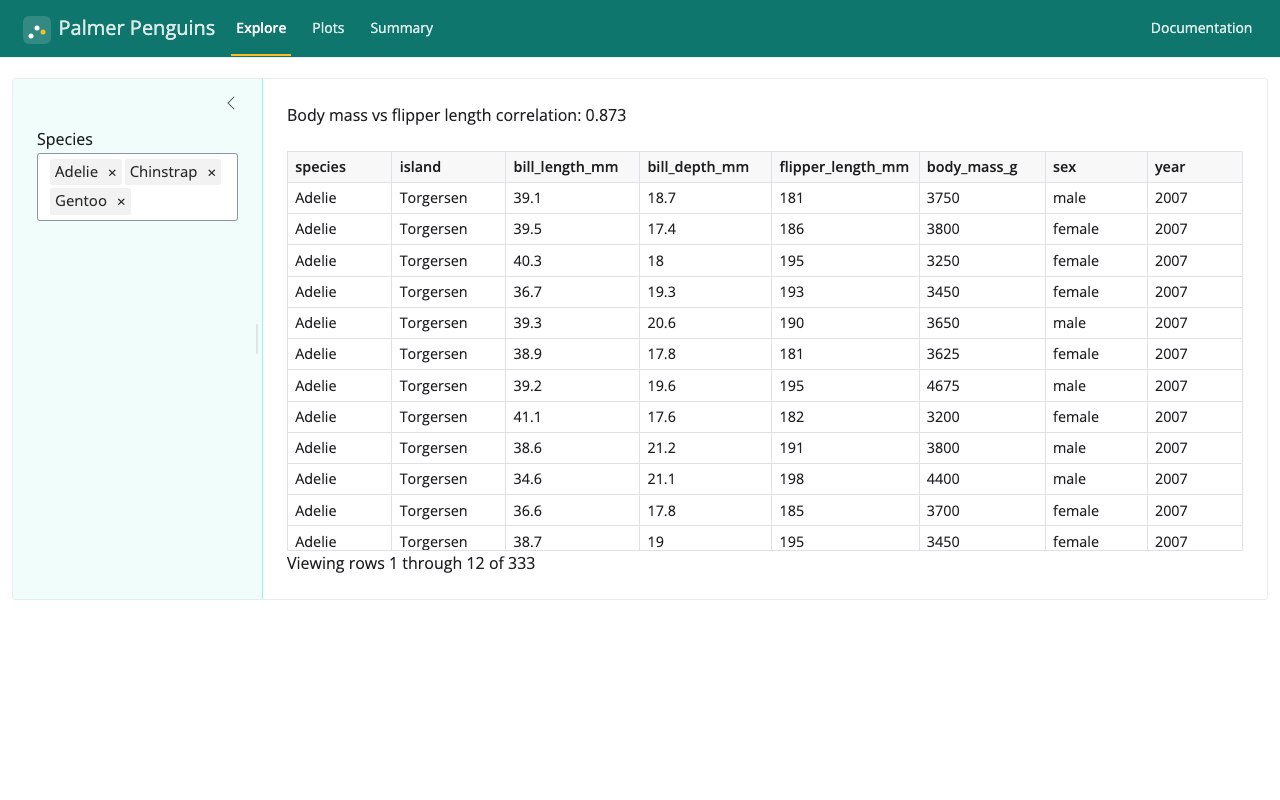
The penguin_analysis module loads the dataset with polars, computes summaries, and draws plotnine plots. The Shiny app wraps those functions in an interactive UI.
app.py
app_ui = ui.page_navbar(
    ui.nav_panel(
        "Explore",
        ui.layout_sidebar(
            ui.sidebar(
                ui.input_selectize("species", "Species",
                                   choices=_SPECIES,
                                   selected=_SPECIES,
1                                   multiple=True),
            ),
            ui.output_text("correlation"),
            ui.output_data_frame("table"),
        ),
    ),
    ui.nav_panel("Plots",
        ui.output_plot("scatter"),
        ui.output_plot("distribution"),
    ),
    ui.nav_panel("Summary", ui.output_data_frame("summary")),
2    ui.nav_spacer(),
3    ui.nav_control(ui.a("Documentation", href="/docs/", target="_blank")),
    title="Palmer Penguins",
)- 1
-
multiple=Truelets the user select several species at once; all three are pre-selected so the app is useful immediately on load. - 2
- Pushes items that follow it to the right end of the navbar.
- 3
-
Injects a plain HTML link into the navbar. Here,
href="/docs/"works because both routes share the same origin, so no absolute URL is needed.
The navbar links to /docs/ so the user can jump from the app to the reference without leaving the same origin.
3 Serving both from one process
Shiny for Python serves static files through its own handler, which matches file paths literally. That means a URL like /docs/reference/ returns a 404 because there is no file called reference at that path. What great-docs emits are clean directory links, and those 404 under Shiny’s handler.
The fix is to wrap the Shiny app in a Starlette application and mount the docs/ folder with StaticFiles(html=True).
app.py
from starlette.applications import Starlette
from starlette.routing import Mount
from starlette.staticfiles import StaticFiles

1_DOCS_DIR = Path(__file__).parent / "docs"

app = Starlette(
    routes=[
2        Mount("/docs", app=StaticFiles(directory=_DOCS_DIR, html=True), name="docs"),
3        Mount("/", app=shiny_app, name="shiny"),
    ]
)- 1
-
Resolves the
docs/path relative toapp.py, not the working directory, so the app starts correctly regardless of whereshiny runis called from. - 2
-
html=Trueresolves/docs/reference/todocs/reference/index.htmlinstead of returning a 404. - 3
-
The Shiny app is mounted last. Starlette tries routes in order, so the more-specific
/docsprefix always wins before the catch-all/.
html=True is the key detail. Without it, Starlette’s StaticFiles also returns 404 for directory URLs. With it, any URL that points to a directory resolves to that directory’s index.html, which is exactly what great-docs generates.
Because Starlette and Shiny both speak ASGI, shiny run app.py still works after wrapping.
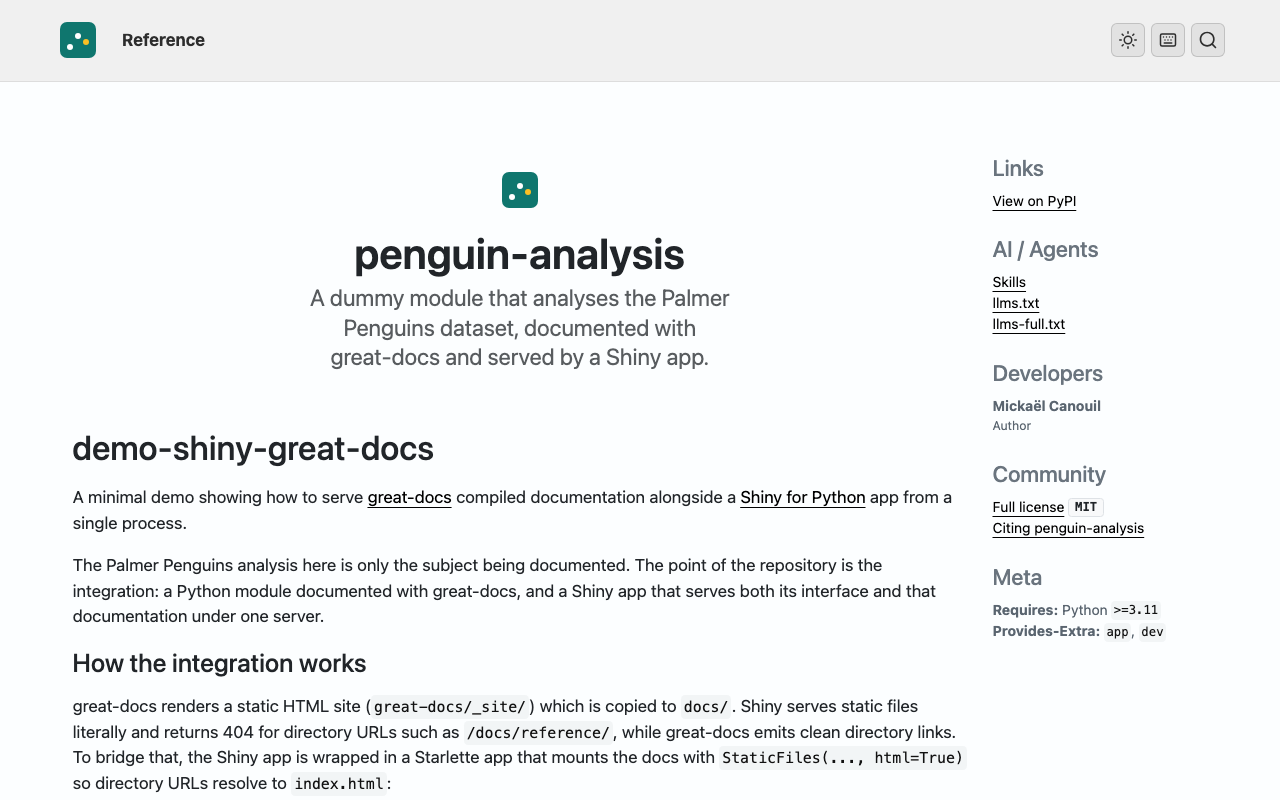
/docs/. It explains the integration, shows the Starlette routing code, and links to the API reference. The penguin-analysis logo appears in the navbar alongside a Reference link.The docs/ folder is generated output and is not committed to the repository. Run scripts/build-docs.sh whenever the module changes.
4 Quick start
uv sync --extra app --extra dev
bash scripts/build-docs.sh
uv run shiny run app.py --port 8000
Then http://localhost:8000 is the app and http://localhost:8000/docs/ is the documentation.
Happy coding!
Reuse
Citation
@misc{canouil2026,
  author = {CANOUIL, Mickaël},
  title = {Serving a {Shiny} {App} and {Its} {Docs} from {One}
    {Process}},
  date = {2026-07-06},
  url = {https://mickael.canouil.fr/posts/2026-07-06-shiny-great-docs/},
  langid = {en-GB}
}